





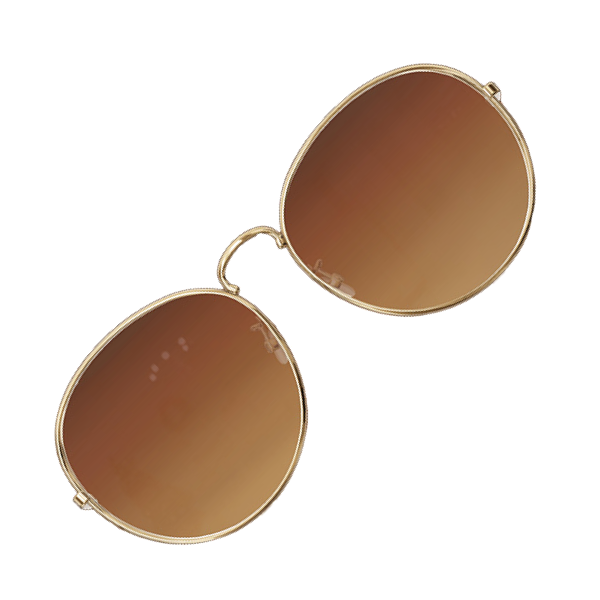
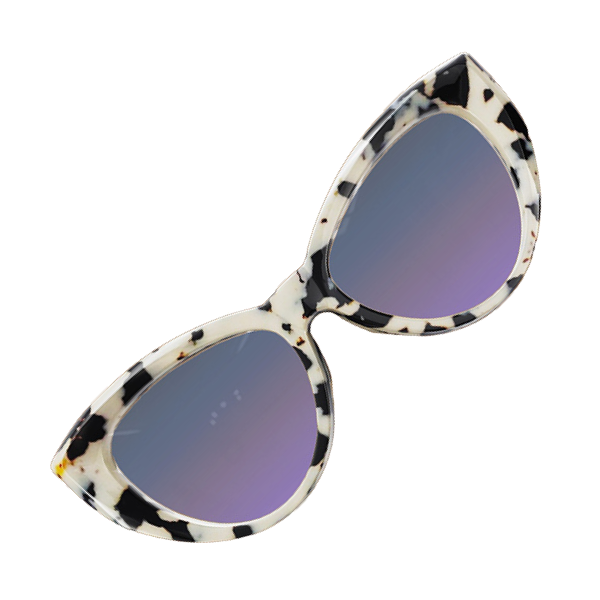
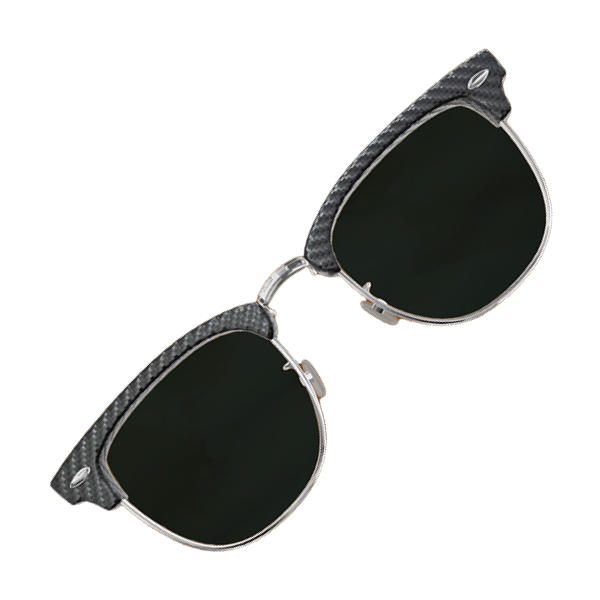


Want to integrate Digital Glasses Try On into your business? Give your customers the power to try on eye glasses & sunglasses instantly using AI and AR—directly from your website or app. Contact us today.
Explore More Virtual Try Ons: AR Watches, AR Earrings, AR Headbands.
What is Virtual Eyeglasses?
Virtual eyeglasses technology transforms your screen into a smart digital mirror. By utilizing augmented reality (AR), virtual try on glasses tool overlays hyper-realistic 3D frames onto user's live video feed. It creates a seamless shopping experience where customers can gauge size, fit, and style instantly, no physical sample required.
How AI Virtual Glasses Try-On Works
AI glasses try on works in three simple steps to ensure the perfect fit:
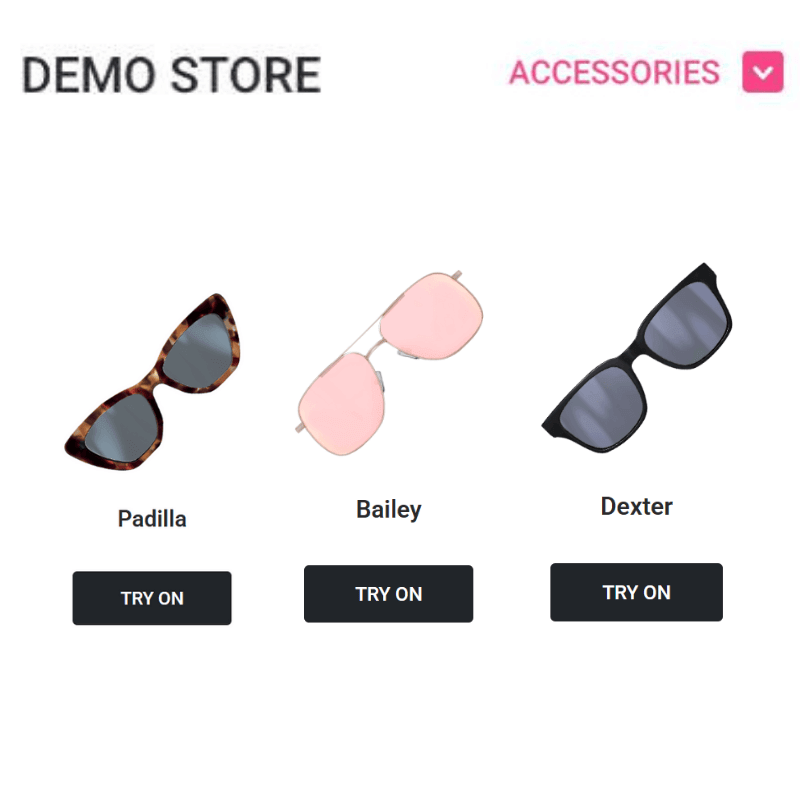
Select AI Eyeglasses
Visit the eyewear library, pick the one you like.

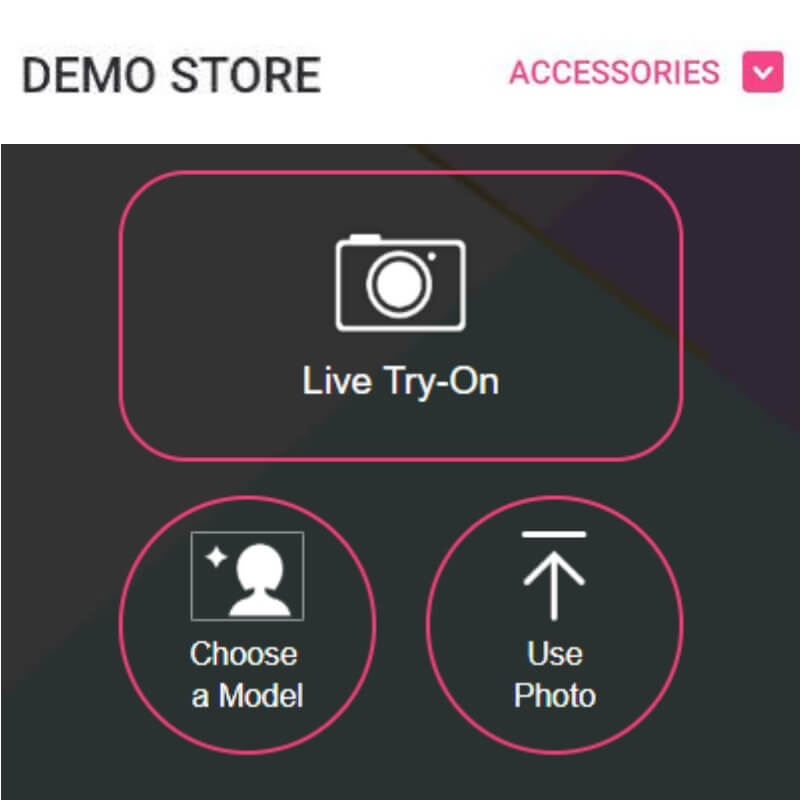
Launch Device Camera
Let AI scan user's facial features and pupillary distance.

See the Result!
See how glasses look on you.
Key Benefits of AI Try-On Glasses
Why switch to a digital glasses try on experience?
Accurate AR Try-On
AI glasses try on utilizes automated Pupillary Distance (PD) detection and high-precision face mapping to anchor virtual eyeglasses instantly.
Reach Potential Clients Online
Deploy virtual try on glasses capabilities across web, mobile, and social channels to engage with gen-Z shoppers or other buyers anywhere, anytime.
Boost Sales
Eliminate purchase hesitation. By offering a hyper-realistic digital glasses try on experience, you validate the "perfect fit" before checkout.
Virtual Eye Glasses & Sunglasses Try On FAQ
How to virtually try on eyeglasses?

How to use the AI glasses try on:
- Launch: Click the "Try-On" button on the product page to activate the virtual eyeglasses tool.
- Auto-Measure: Allow camera access so the AI glasses try on technology can automatically detect your pupillary distance (PD) instantly.
- Preview: Experience a hyper-realistic virtual try on glasses session in real-time, or upload a photo for a static digital glasses try on.
How to figure out what glasses look good on you?
- Auto-Detect Face Shape: Instead of guessing, use Perfect Corp.'s AI glasses try on technology to automatically analyze your facial features and recommend frame shapes that balance your look.
- Test Colors Instantly: Use virtual eyeglasses to see how frame colors interact with your skin tone and eye color in real-time, rather than relying on imagination.
- Verify the Fit: Rely on virtual try on glasses with automatic pupillary distance (PD) detection to ensure the size is accurate and the frames sit correctly on your nose bridge.
Are virtual try-on apps accurate for glasses?
Yes, modern virtual try-on apps are highly accurate when using advanced AI.
Leading solutions like Perfect Corp.'s Puppillary Distance Detection ensure precision by utilizing:
- Auto PD Detection: The AI automatically measures your pupillary distance (PD) instantly, often matching the accuracy of professional optometer tools (within 2mm).
- True-to-Life Scale: Instead of a generic overlay, the software uses your PD to render the virtual eyeglasses at their actual physical size, ensuring the frame width fits your face correctly.
- Smart Anchoring: Facial mapping tracks over 200 facial landmarks to "anchor" the glasses to your nose bridge, keeping them stable even as you turn your head up to 60 degrees.


